

Submit quantum jobs
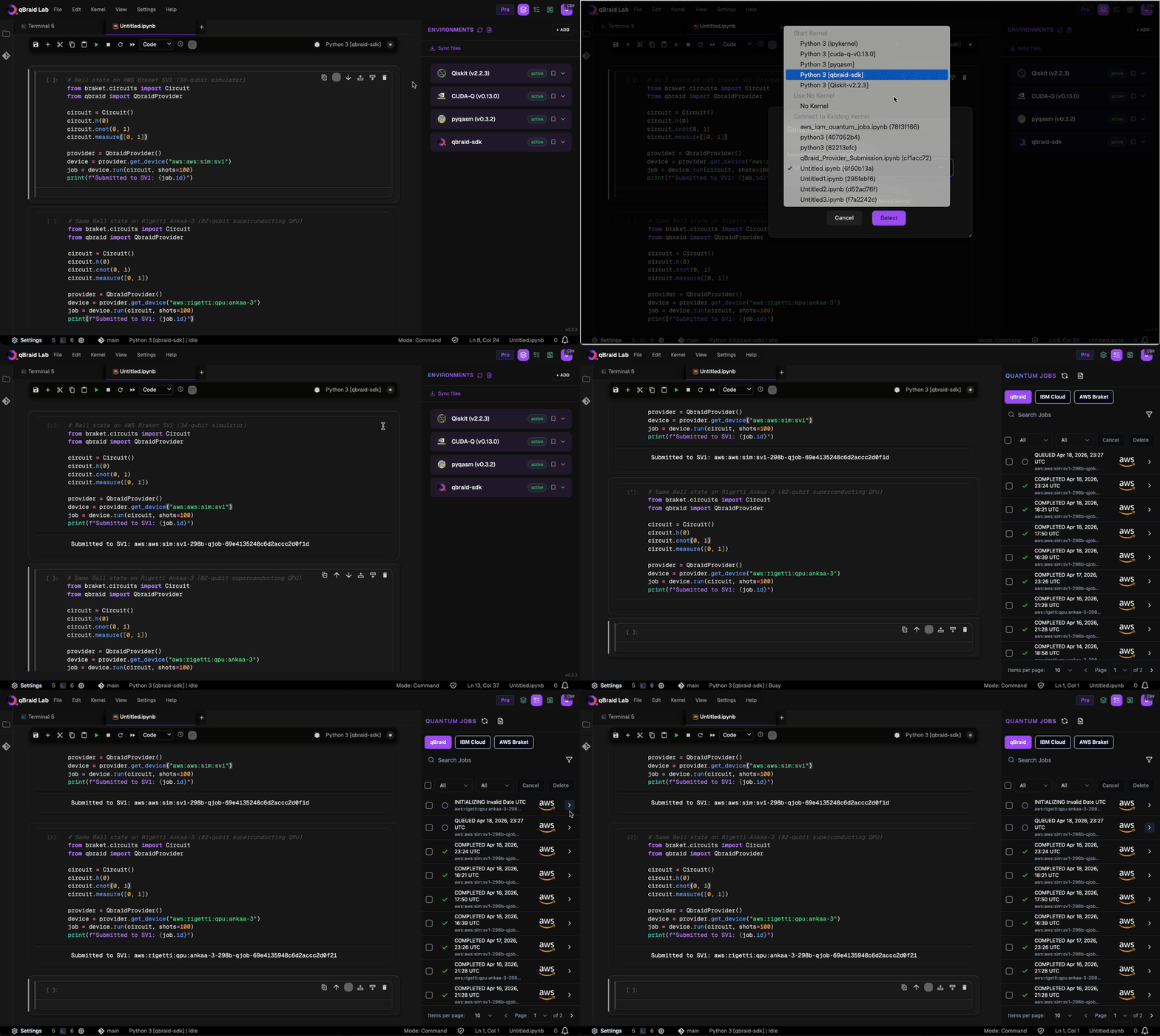
You can submit quantum jobs using the qBraid-SDK in a Jupyter Notebook using the pre-configured qBraid SDK environment. First, ensure that theqbraid-sdk kernel is selected in your notebook.
Next, you can use the following code snippet to submit a quantum job to a device or simulator of your choice:
Jobs sidebar
The sidebar displays your job history with provider logos, status indicators, timestamps, and device IDs.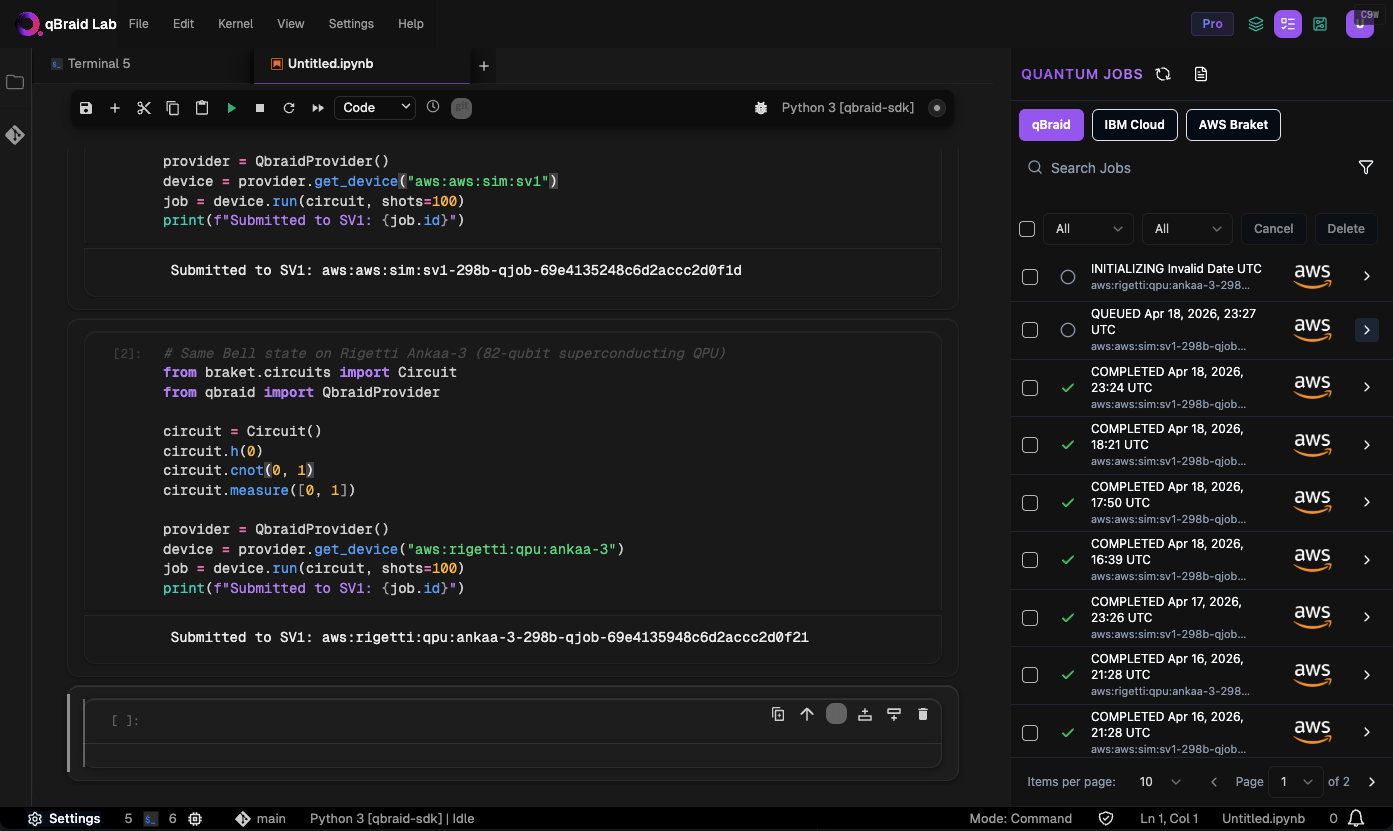
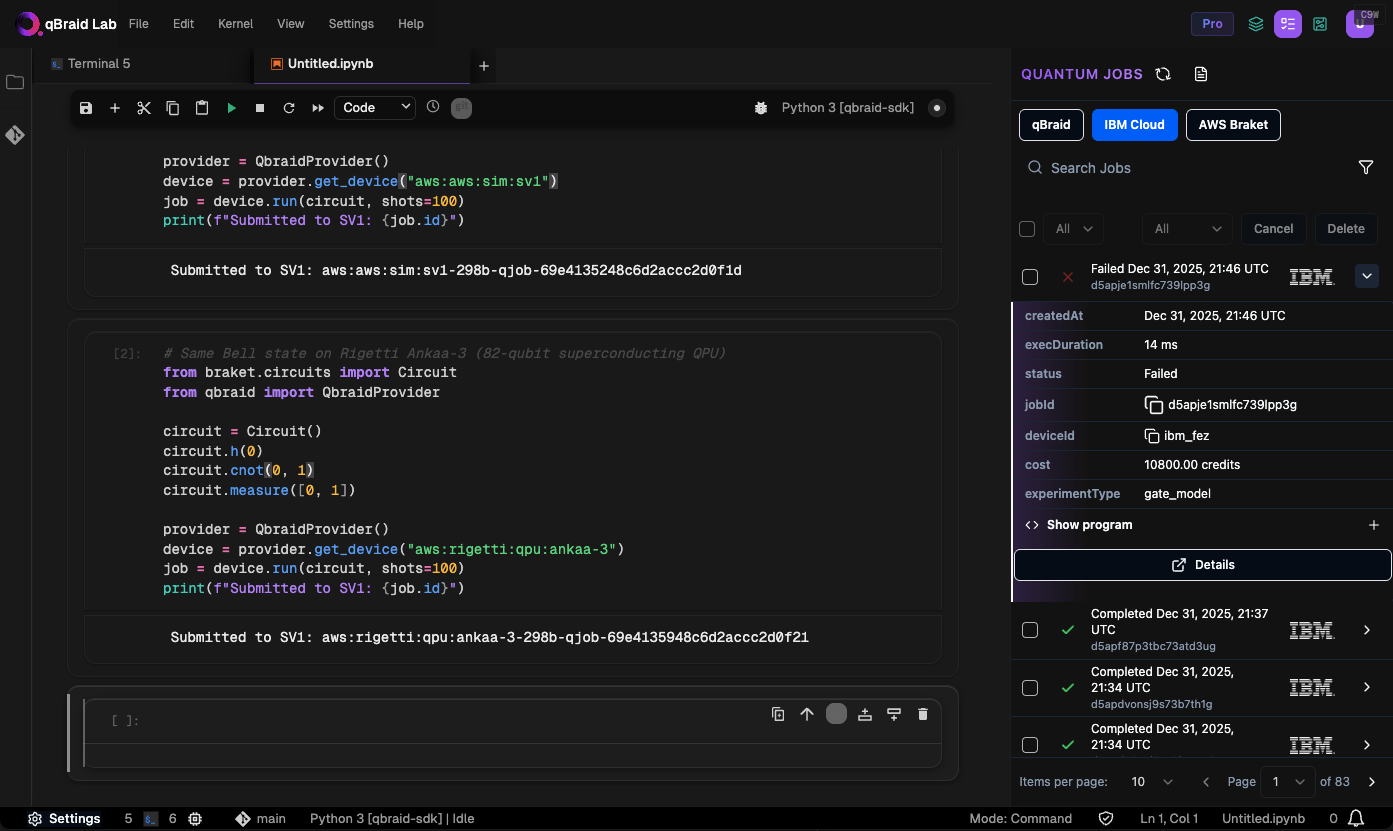
Provider tabs
Switch between job sources using the tabs at the top of the sidebar:- qBraid — jobs submitted to qBraid-managed devices via the SDK, REST API, or any client using qBraid as a backend. See Pricing for details.
- IBM Cloud — jobs submitted to IBM Quantum (requires your own IBM credentials)
- AWS Braket — jobs submitted through Amazon Braket (requires your own AWS credentials)
Devices and pricing
For available devices, visit Quantum Devices. For pricing details, visit Pricing.Access to IBM QPUs requires your own IBM Cloud credentials. qBraid does not
currently offer managed access to IBM QPUs.